I have encountered this issue before in SharePoint 2013 due to the lack of resources and high consumption of the CPU and memory on the server.
To solve this issue, you should do the following:
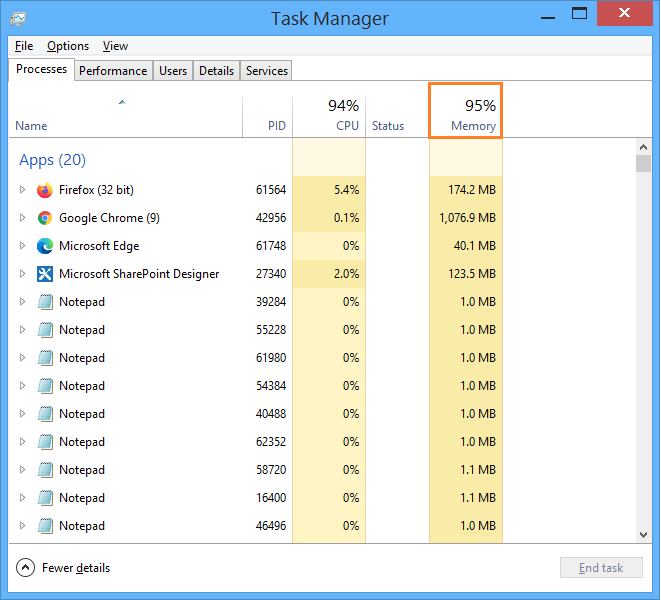
- Check the Processes tab in Task Manager and make sure that there is no process that consumes more resources, then end task for unrequired processes.
- As a workaround, try to increase the
Shutdown Time Limitfor the application pool of the central administration.- Open IIS > Application Pools.
- Right-Click on the Central Administration Application Pool and select
Advanced Settings. - At
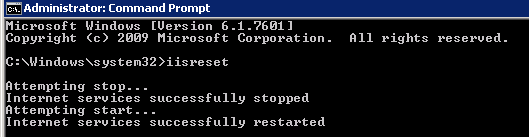
Process Model, Increase the Shutdown Limit (Seconds) to 1000. - Open CMD as Administrator, and Perform
IISRESET.